WEBSITE DESIGN
15 Signs Your Website Is Costing You Customers
More than just an online brochure, your website is often the first impression potential customers have of your business. An outdated website or the need for a website redesign can drive visitors away before they ever contact you. This guide highlights 15 common warning signs that your website may be costing you leads, sales, and growth—and explains what you can do to improve your online presence.
Why Your Website Matters More Than Ever
Today’s customers expect a professional, fast, and easy-to-use website. Whether they’re searching on Google, asking ChatGPT for recommendations, or visiting your website directly, first impressions matter. If your website doesn’t build trust or make it easy for visitors to find information, they may leave and choose a competitor instead.
A well-designed website does more than look attractive—it supports your marketing efforts, strengthens your brand, improves search visibility, and helps convert visitors into customers.
What Customers Expect
Modern websites should provide:
- Fast loading speeds.
- Mobile-friendly design.
- Clear navigation.
- Professional appearance.
- Helpful and up-to-date content.
- Easy ways to contact your business.
- A secure browsing experience.
When these expectations aren’t met, visitors are more likely to leave without taking action.
Business Insight: Every visit to your website is an opportunity to earn a new customer. Even small usability, performance, or design issues can reduce trust, increase bounce rates, and result in lost business.
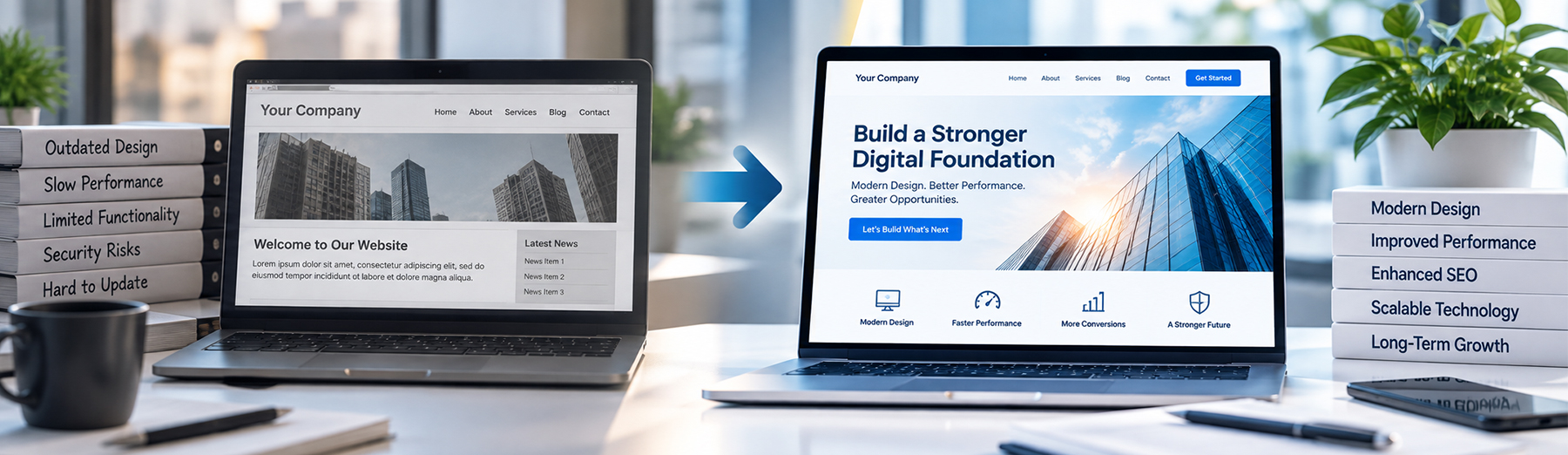
Sign #1 –Your Website Looks Outdated
A modern website builds trust and credibility. If your website looks outdated, cluttered, or difficult to navigate, potential customers may question the quality of your business and choose a competitor instead.
Common Signs
- Outdated design
- Small, hard-to-read text
- Low-quality images
- Inconsistent branding
- Difficult navigation
- Pages that haven’t been updated
Website Design Tip: A modern website creates a strong first impression and helps build trust from the moment visitors arrive.
Sign #2 –Your Website Loads Too Slowly
Website speed has a direct impact on user experience, search rankings, and conversions. If your pages take too long to load, visitors are more likely to leave before exploring your products or services.
Common Signs
- Pages take more than a few seconds to load.
- Large, unoptimized images.
- Slow performance on mobile devices.
- Poor Core Web Vitals scores.
- High bounce rates caused by slow loading times.
- Delays when navigating between pages.
For a deeper look at why performance matters, see how website speed affects SEO, conversions, and user experience.
Performance Tip: Even a one- or two-second improvement in page load time can enhance the user experience, reduce bounce rates, and increase conversions. Regularly optimizing images, caching, and website performance helps keep your site fast and competitive.
Sign #3 –Your Website Isn’t Mobile-Friendly
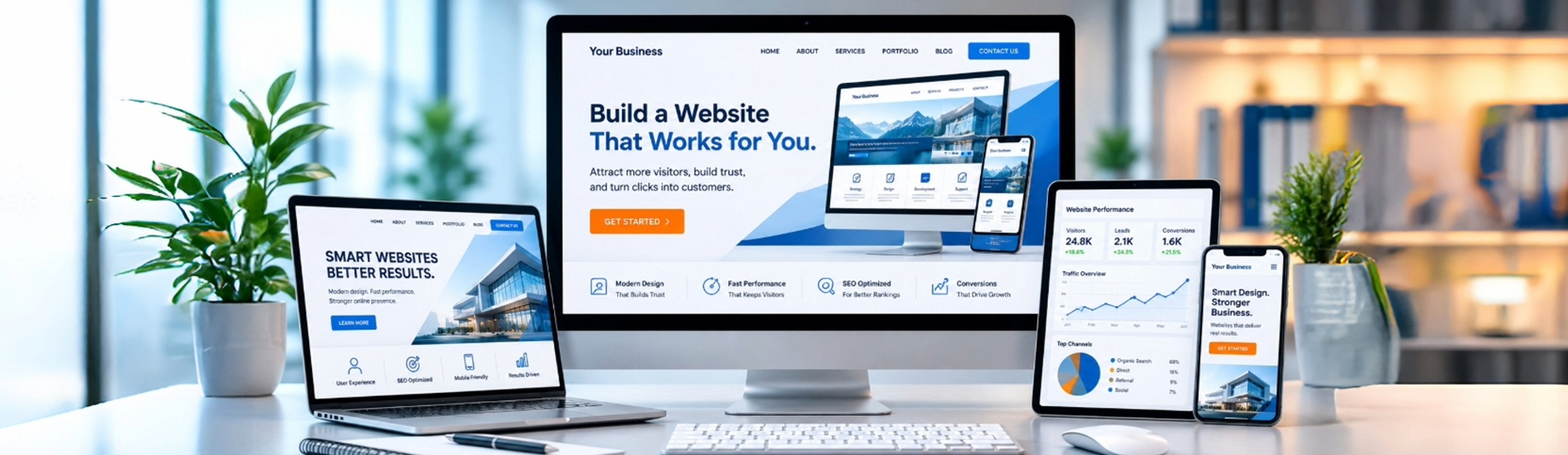
With most website traffic now coming from smartphones and tablets, a poor mobile experience can quickly drive potential customers away. If visitors have difficulty navigating your website or reading content on smaller screens, they’re less likely to stay or contact your business.
Common Signs
- Text is too small to read.
- Buttons are difficult to tap.
- Images don’t scale properly.
- Navigation is confusing on mobile devices.
- Pages require excessive zooming or scrolling.
- Forms are difficult to complete on a phone.
A responsive, mobile-friendly website provides a better user experience, improves search visibility, and helps convert more visitors into customers.
For more on this, see why responsive web design and mobile-first design matter for modern business websites.
Mobile Tip: A mobile-friendly website isn’t optional—it’s essential. Make sure every page is easy to navigate, fast to load, and fully functional across smartphones, tablets, and desktop devices.
Sign #4 –Your Website Isn’t Showing Up in Search Results
A great-looking website won’t generate leads if potential customers can’t find it. Poor search visibility can significantly reduce your website traffic, making it harder for people to discover your business when searching for the products or services you offer.
Common Signs
- Your website doesn’t appear on the first page of search results.
- You’re receiving very little organic traffic.
- Competitors consistently outrank your business.
- Important pages aren’t indexed by search engines.
- You rarely receive leads from organic search.
- Your website isn’t appearing in AI-powered search experiences.
Improving your search visibility through SEO and AI visibility optimization, high-quality content, and technical best practices can help attract more qualified visitors and increase your chances of generating new business.
SEO Tip: Your website should be optimized for both traditional search engines and AI-powered search experiences. A strong SEO strategy combined with high-quality content and technical optimization helps your business become more visible where customers are searching today.
Sign #5 –Visitors Leave Without Taking Action
Attracting visitors to your website is only the first step. If they leave without calling, completing a contact form, requesting a quote, or making a purchase, your website may not be guiding them toward the next step.
Common Signs
- High bounce rates.
- Low conversion rates.
- Few contact form submissions.
- Limited phone calls or quote requests.
- Calls-to-action that are difficult to find.
- Visitors spend little time on your website.
Clear calls-to-action, intuitive navigation, and compelling content help guide visitors through the customer journey and encourage them to take action.
If your website gets traffic but visitors are not taking action, conversion rate optimization can help identify where users are dropping off and what can be improved.
Conversion Tip: Every page on your website should have a clear purpose. Make it easy for visitors to know what to do next, whether it’s contacting your business, requesting a consultation, or learning more about your services.
Sign #6 –Your Website Is Difficult to Navigate
Visitors should be able to find the information they need quickly and easily. If your navigation is confusing or important pages are buried, potential customers may become frustrated and leave your website before taking action.
Common Signs
- Menus are cluttered or difficult to understand.
- Important pages are hard to find.
- Navigation differs from page to page.
- Too many menu items overwhelm visitors.
- Broken or outdated links.
- No clear path to your products or services.
Simple, intuitive navigation improves the user experience, helps visitors find what they’re looking for, and encourages them to stay on your website longer.
Navigation Tip: Keep your navigation simple, organized, and consistent. Visitors should be able to reach your most important pages within just a few clicks, making it easier for them to explore your website and contact your business.
Sign #7 –Your Content Is Outdated
Your website should reflect your current business, services, and expertise. Outdated content can confuse visitors, reduce trust, and make your business appear inactive or behind the competition.
Common Signs
- Old blog posts that haven’t been updated.
- Outdated service descriptions.
- Expired promotions or announcements.
- Incorrect contact information or business hours.
- References to discontinued products or services.
- Copyright dates that haven’t been updated.
Regularly reviewing and refreshing your content helps maintain accuracy, improves user confidence, and signals to search engines that your website remains active and relevant.
Content Tip: Keep your website current by updating key pages, refreshing older articles, and removing outdated information. Fresh, accurate content builds trust with visitors and supports stronger search visibility.
Sign #8 –Your Website Doesn’t Build Trust
Visitors decide within seconds whether they trust your business. If your website lacks credibility signals, potential customers may hesitate to contact you or make a purchase.
Common Signs
- No customer testimonials or reviews.
- Missing case studies or portfolio examples.
- No team or company information.
- Outdated branding or inconsistent messaging.
- Missing SSL security (HTTPS).
- No clear contact information or business address.
Adding trust signals helps reassure visitors that your business is established, reliable, and capable of delivering quality products or services.
Trust Tip: Showcase customer reviews, project examples, certifications, awards, and clear contact information throughout your website. The more confidence visitors have in your business, the more likely they are to become customers.
Sign #9 –Your Website Doesn’t Clearly Explain What You Do
Visitors should understand what your business offers within seconds of arriving on your website. If your messaging is unclear or filled with industry jargon, potential customers may become confused and leave without exploring further.
Common Signs
- Your homepage doesn’t clearly explain your services.
- Headlines focus on your business instead of customer needs.
- Technical jargon makes content difficult to understand.
- Visitors must search to learn what you offer.
- Service pages lack clear descriptions or benefits.
- No compelling value proposition.
Clear, customer-focused messaging helps visitors quickly understand who you are, what you do, and why they should choose your business over the competition.
Messaging Tip: Use simple, benefit-focused language that clearly communicates your products or services. Visitors should immediately understand how your business can solve their problem and why they should take the next step.
Sign #10 –Your Website Doesn’t Have Clear Calls-to-Action
Even if visitors are interested in your products or services, they may leave without taking action if your website doesn’t clearly guide them. Every important page should encourage users to take the next step, whether that’s requesting a quote, scheduling a consultation, or contacting your business.
Common Signs
- No visible “Contact Us” or “Get a Quote” buttons.
- Calls-to-action are difficult to find.
- Buttons use vague text like “Click Here.”
- Contact forms are buried deep within the website.
- Service pages don’t encourage users to take action.
- Multiple competing calls-to-action create confusion.
Strong calls-to-action help convert website visitors into qualified leads by making it clear what they should do next.
CTA Tip: Use clear, action-oriented buttons such as Request a Quote, Schedule a Consultation, or Contact Us Today. Place them consistently throughout your website so visitors always know the next step to take.
Sign #11 –Your Website Doesn’t Highlight Customer Success
Potential customers want proof that your business delivers results. Without testimonials, case studies, portfolio examples, or client success stories, visitors may hesitate to trust your business over a competitor.
Common Signs
- No customer testimonials.
- No project portfolio or case studies.
- Missing before-and-after examples.
- Few or no customer reviews.
- No client logos or success stories.
- Limited evidence of past work.
Showcasing real customer experiences and successful projects builds credibility, demonstrates expertise, and helps visitors feel more confident about choosing your business.
Credibility Tip: Highlight customer testimonials, project results, and real success stories throughout your website. Social proof is one of the most effective ways to build trust and encourage potential customers to contact your business.
Sign #12 –Your Website Isn’t Secure
Website security is essential for protecting your business and building customer confidence. If visitors see security warnings or question whether their information is safe, they’re unlikely to continue browsing or submit their personal details.
Common Signs
- Your website doesn’t use HTTPS.
- Security certificates have expired.
- Contact forms don’t appear secure.
- Outdated plugins or website software.
- Frequent spam or malware issues.
- Browser security warnings.
A secure website protects your business, safeguards customer information, and helps maintain trust with both visitors and search engines.
Security Tip: Keep your website, plugins, and themes up to date, use an SSL certificate, and perform regular security checks. A secure website protects your business reputation and gives customers confidence when interacting with your brand.
Sign #13 –Your Website Doesn’t Capture Leads Effectively
Your website should make it easy for visitors to connect with your business. If your lead generation tools are difficult to find or use, you could be missing valuable opportunities to turn visitors into customers.
Common Signs
- Contact forms are too long or complicated.
- No quote request or consultation form.
- Missing phone number or email address.
- Live chat or messaging options aren’t available.
- No lead magnets or downloadable resources.
- Few inquiries despite steady website traffic.
A well-designed lead generation strategy makes it simple for visitors to reach out, ask questions, and begin their customer journey.
Lead Generation Tip: Reduce friction by keeping forms short, displaying your contact information prominently, and offering multiple ways for visitors to connect with your business. The easier it is to contact you, the more likely visitors are to become qualified leads.
Sign #14 –Your Website Doesn’t Reflect Your Brand
Your website should clearly communicate your brand identity and leave a lasting impression on visitors. If your branding is inconsistent or unprofessional, potential customers may have difficulty recognizing what makes your business unique.
Common Signs
- Inconsistent colors, fonts, or design elements.
- An outdated or low-quality logo.
- Messaging that doesn’t reflect your brand values.
- Different styles across pages.
- Generic stock images that don’t represent your business.
- No clear brand personality or voice.
Consistent branding creates a professional image, strengthens recognition, and helps build trust with potential customers.
Branding Tip: Maintain a consistent visual identity and messaging across every page of your website. A strong brand helps visitors remember your business and reinforces credibility at every stage of the customer journey.
Sign #15 –Your Website Isn’t Evolving with Your Business
Your business grows over time, and your website should grow with it. If your website hasn’t been updated to reflect new services, changing customer needs, or evolving technology, it may no longer support your business goals or generate the results you expect. These are strong indicators that your business may benefit from a professional website redesign.
Common Signs
- Your website hasn’t been redesigned in several years.
- New services or products aren’t featured.
- Content is rarely updated.
- Competitors have more modern, engaging websites.
- Your website doesn’t support current marketing strategies.
- You haven’t reviewed your website’s performance in years./li>
Regularly evaluating and improving your website helps ensure it continues to represent your business, meet customer expectations, and support long-term growth.
Growth Tip: Treat your website as an ongoing investment rather than a one-time project. Regular updates, performance improvements, fresh content, and continuous optimization help your business stay competitive and continue generating leads.
Website Health Checklist
Use this checklist to evaluate whether your website is helping your business attract and convert new customers. If you answered “No” to several of these questions, it may be time to update your website and improve its performance.
Design & User Experience
- Modern, professional design.
- Mobile-friendly on all devices.
- Easy-to-use navigation.
- Clear branding and messaging.
- Accessible and easy to read.
Performance
- Fast page loading speeds.
- Optimized images.
- Secure HTTPS connection.
- No broken links or technical errors.
- Reliable hosting and uptime.
SEO & Visibility
- Optimized for search engines.
- Appears in relevant search results.
- Proper page titles and meta descriptions.
- Structured data implemented where appropriate.
- Optimized for AI-powered search experiences.
Lead Generation
- Accurate and up-to-date information.
- Clearly explains your products or services.
- Answers common customer questions.
- Regularly updated with fresh content.
- Demonstrates your expertise and experience.
Website Assessment Tip: Your website should support your business goals every day. Regularly reviewing its design, performance, content, and lead generation capabilities helps ensure it continues to attract visitors, build trust, and convert potential customers into long-term clients.
Is Your Website Helping or Hurting Your Business?
Your website should be one of your most valuable business assets—not a barrier that drives potential customers away. Even small issues like slow loading times, outdated content, poor navigation, or unclear messaging can reduce trust, lower search visibility, and cost your business valuable leads.
The good news is that most website problems can be identified and corrected. By regularly evaluating your website’s design, performance, content, SEO, and user experience, you can create a stronger online presence that supports your business goals and delivers better results.
Whether your website needs a few improvements or a complete redesign, investing in your online presence can help you attract more visitors, generate more qualified leads, and stay competitive in today’s digital landscape.
Final Thought: Your website should do more than simply exist—it should actively support your marketing efforts, build trust with potential customers, and generate new business. Regular updates and continuous optimization ensure your website remains a valuable asset that grows alongside your business.
When Is It Time for a Website Redesign?
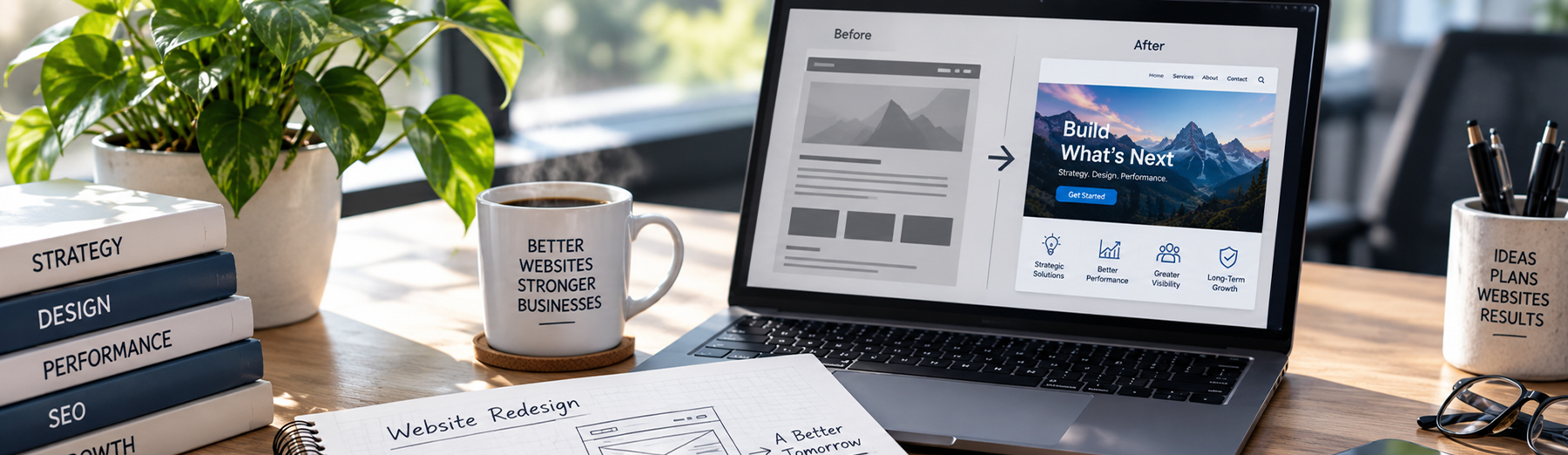
If your website shows several of the warning signs covered in this guide, it may be time to consider a professional website redesign. A redesign is more than updating the appearance of your website—it provides an opportunity to improve user experience, website performance, SEO, lead generation, and overall functionality.
An effective website redesign helps ensure your website accurately represents your business, meets modern user expectations, and supports your long-term marketing goals.
If the problems go beyond appearance and usability and involve deeper technical or structural issues, it may be worth comparing a website redesign vs. website rebuild before deciding on the right approach.
Website Redesign Tip: A successful website redesign combines modern design, fast performance, strong SEO, and a user-focused experience to help turn more visitors into customers.